
K2er APK 2026 – Smart and Smooth Android Game Controls
September 2026
26.97
0.4.103
Android 7.0 and up
1M+
Description
Playing Android games with touch controls is convenient, but some players prefer the accuracy and familiarity of a physical controller, keyboard, or mouse. K2er APK is designed for this purpose, providing input-mapping tools that let users customize physical controls for compatible Android games.
The app supports different types of peripherals and allows players to assign buttons, keys, triggers, sticks, mouse clicks, and other inputs to in-game actions. It also includes advanced mapping options, profiles, macros, and scene-based configurations for different gameplay situations.
If you are looking for a practical way to customize physical controls on Android, K2er provides a range of tools for creating and managing your preferred control setup.
What Is K2er APK?
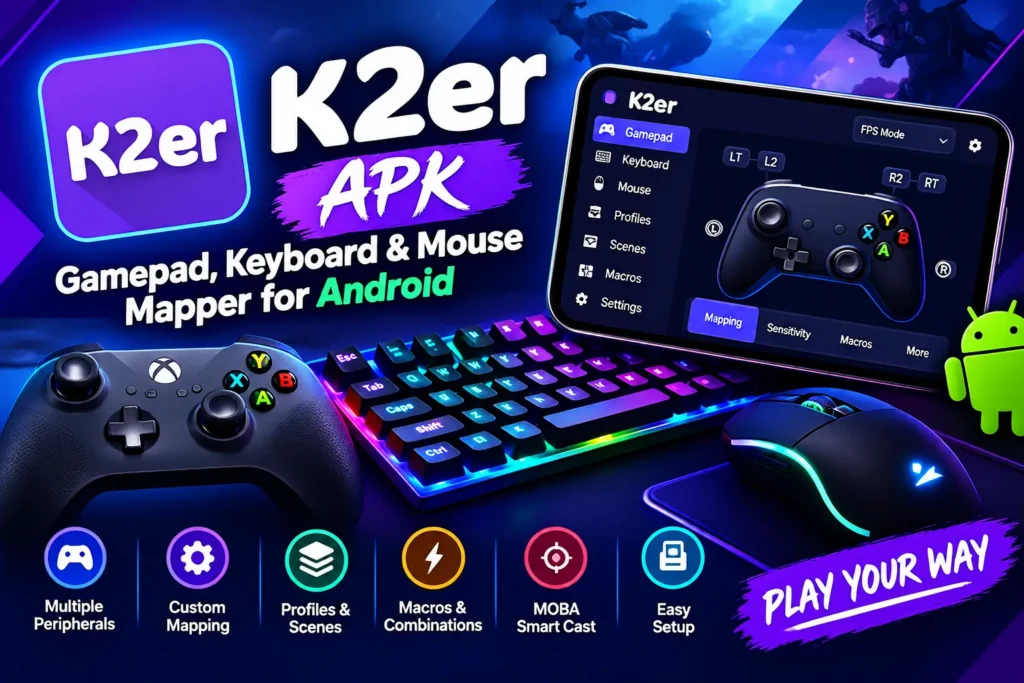
K2er is an Android gamepad and keyboard mapper focused on improving physical-input control in mobile games. Instead of relying entirely on touchscreen controls, users can connect compatible controllers, keyboards, or mice and configure their inputs through the app.
The mapping system is designed to provide responsive controls while keeping different configurations organized through profiles and scenes. This can be particularly useful for players who regularly switch between game genres or use different peripherals.
K2er also supports combinations and macros, giving users more flexibility when creating custom layouts for supported games.
Key Features
Wide Peripheral Compatibility
K2er APK supports a variety of physical input devices, including game controllers, keyboards, and mice. Compatible hardware can be connected through supported Bluetooth or USB connections.
The app can map different types of inputs, including:
- Controller buttons and triggers
- Analog sticks
- Keyboard keys
- Mouse buttons
- Mouse wheel
- Cursor movement
It also supports devices from popular manufacturers such as Xbox, PlayStation, Nintendo, Razer, and GameSir, although compatibility can depend on the specific device and Android setup.
Responsive Input Mapping
One of the main purposes of K2er is to make physical controls respond consistently during gameplay. The app focuses on direct input mapping so players can configure controls for movement, aiming, menus, and other actions.
Quick input response can be especially useful in games where precise timing and movement are important. Players can also adjust their control setup according to their preferred play style.
Advanced Key and Button Mapping
K2er APK goes beyond basic one-button assignments. Its mapping tools can handle combinations such as Ctrl+1, Shift+A, and controller combinations such as L1+X.
This allows users to assign more complex actions to individual inputs when supported by the game and configuration.
The app also provides options for creating macros that can trigger repeated input sequences from a selected key or button.
Profiles and Scene Settings
Different games and gameplay modes may require different control layouts. K2er addresses this through profiles and scene-based configurations.
For example, a player can create separate layouts for:
- Shooting
- Driving
- Menus
- Different game modes
- Different control styles
Instead of recreating a layout every time the gameplay situation changes, users can switch between configured scenes when needed.
MOBA Smart Cast and Genre Options
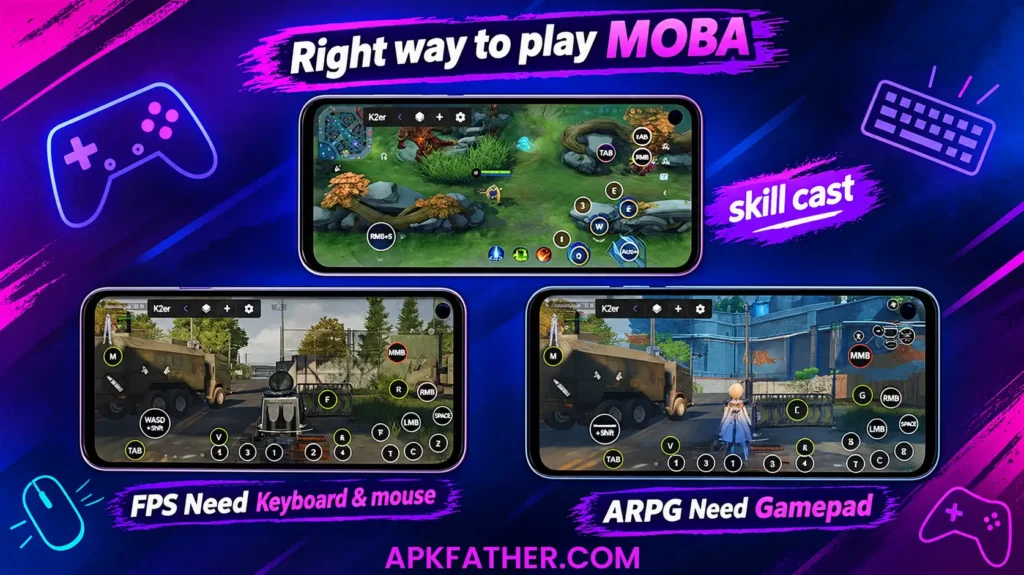
K2er includes options aimed at specific game genres. Its MOBA Smart Cast feature is designed to help organize controls around common MOBA actions.
Players can assign abilities and movement to familiar keys while keeping important actions within easy reach. Scene profiles and macros can also be used for racing, shooting, and other supported genres.
These options make the app more flexible for players who use physical controls across multiple types of games.
Device Detection and Activation
K2er APK provides an activation process designed to help the app recognize connected peripherals. After connecting a compatible device, users can proceed through the required setup and configure their preferred mappings.
The application is intended to work with games running natively rather than depending on cloning or game-package modification. However, compatibility and required permissions may vary depending on the Android device, game, and peripheral being used.
How to Use K2er APK on Android
Setting up K2er APK involves connecting your preferred peripheral, activating the application, and creating a control profile. The exact steps can vary depending on your Android device and connected hardware, but the general process is as follows.
Step 1: Connect Your Peripheral
Connect your gamepad, keyboard, or mouse to your Android device.
Depending on your hardware, you may use:
- Bluetooth
- USB
- A compatible wired connection
Make sure Android recognizes the connected device before opening the mapping configuration.
Step 2: Open K2er APK and Complete Activation
Launch K2er APK and follow the activation instructions displayed on the screen.
The app may request permissions needed for detecting inputs and providing its mapping functionality. Review the requested permissions and enable those required for the features you want to use.
Step 3: Select or Add a Game
Choose a supported game from the available list. If the game is not listed, use the available option to add it manually if supported.
After selecting the game, create a new control profile and choose a suitable base layout for your connected device.
Step 4: Customize Your Controls
Assign physical buttons and keys to the actions you want to perform in the game.
For example, you can configure controls for:
- Character movement
- Aiming
- Attacking
- Jumping
- Menu navigation
- Vehicle controls
- Other supported actions
Test the controls after mapping them and make adjustments where necessary.
Step 5: Adjust Sensitivity and Other Settings
Depending on your setup, you may be able to adjust settings such as sensitivity or dead zones.
These adjustments can help you find a control response that feels comfortable with your particular controller or mouse.
Step 6: Save Your Profile
Once your layout is ready, save the profile. If the game has multiple modes, create separate scene profiles where appropriate.
This allows you to maintain different control configurations without rebuilding your setup each time you change gameplay modes.
K2er APK Latest Version
The latest version listed in the provided information is K2er 0.4.103.
According to the release notes, this update includes:
- Added aiming mode context for Shortcuts
- Added multiple profiles for Tap
- Added sensitivity adjustment for the mouse wheel
- Other optimizations
These changes focus mainly on improving control customization and expanding configuration options for supported peripherals.
Why Use K2er for Android Games?
K2er APK can be useful for Android players who prefer physical controls over touchscreen input. Instead of adapting to a fixed touch layout, users can create configurations around the controller, keyboard, or mouse they already use.
Its profile and scene features are also useful when one game requires several different layouts. Advanced mappings, combinations, and macros provide additional customization for users who want more control over their physical inputs.
However, the actual experience can vary depending on the Android version, connected hardware, game compatibility, and the permissions available on the device.
Compatibility and Requirements
The provided app information lists the following Android requirement:
Requires Android: Android 7.0 or higher
Before setting up K2er APK, it is also worth checking whether your specific controller, keyboard, mouse, and target game are compatible with the app.
Hardware compatibility can differ between devices, particularly when using USB accessories, Bluetooth peripherals, or manufacturer-specific controllers.
Tips for Setting Up K2er APK
A few simple practices can make the setup process easier:
- Connect your peripheral before configuring the profile.
- Test every important button after mapping.
- Keep separate profiles for different games.
- Use scene profiles when a game has different control requirements.
- Adjust mouse sensitivity gradually rather than making large changes at once.
- Check permissions if the app cannot detect a connected device.
- Keep your preferred layout simple so important actions remain easy to access.
A well-organized profile can make it easier to switch between games without repeatedly changing individual controls.
Final Words
K2er APK is a useful Android control-mapping solution for players who prefer using a gamepad, keyboard, or mouse instead of relying entirely on touchscreen controls. Its combination of peripheral support, custom mappings, profiles, scenes, combinations, and macros gives users considerable flexibility when configuring supported games.
The app is particularly suited to players who regularly use physical controls across different game genres. Features such as MOBA Smart Cast, scene profiles, and adjustable input settings can make custom layouts easier to manage.
If your Android device and preferred games are compatible, K2er APK offers a practical way to create a more personalized physical-control setup. Before installing or configuring it, check the Android requirement and make sure your connected hardware is supported.
FAQs
What is K2er mainly used for?
K2er maps gamepad, keyboard, and mouse inputs to touchscreen controls for Android games.
Does K2er work without root access?
Yes. K2er supports on-device activation on Android 11 and higher without requiring root access.
Which controllers are compatible with K2er?
K2er supports various controllers, including Xbox, PlayStation, Nintendo, Razer, and GameSir devices.
Can K2er be used with online games?
Yes. K2er runs games natively without cloning, which helps reduce risk. However, some online games may still restrict input mapping.
Is K2er suitable for beginners?
Yes. Beginners can use K2er, although advanced features such as macros and scene mapping may take some time to learn.
Download links
How to install K2er APK 2026 - Smart and Smooth Android Game Controls APK?
1. Tap the downloaded K2er APK 2026 - Smart and Smooth Android Game Controls APK file.
2. Touch install.
3. Follow the steps on the screen.